
Soccer TV HD
Football is the world's most popular sport, followed by millions of fans across domestic leagues, international tournaments, continental competitions, and major championships all year round. As viewing habits evolve, fans increasingly prefer mobile streaming applications that keep them connected to football from virtually anywhere.
Instead of relying entirely on traditional television broadcasts, viewers now choose flexible streaming that works on smartphones, tablets, Android TV devices, and other compatible platforms. That demand is exactly what football-focused applications such as Soccer TV HD are built to serve.
Soccer TV HD is an Android application designed for football fans who want quick access to football content through a mobile-friendly platform. League competitions, international tournaments, highlights, schedules, and match updates are all part of the experience it is known for.
App Information
Download APK
Get the latest Soccer TV HD APK for your Android device.
Install on Android
Enable unknown sources and complete the installation steps.
Watch Football
Launch the app and access football streams, schedules, and highlights.
Table of Contents
Jump to any section in this guide
Table of Contents
Jump to any section in this guide
Screenshots
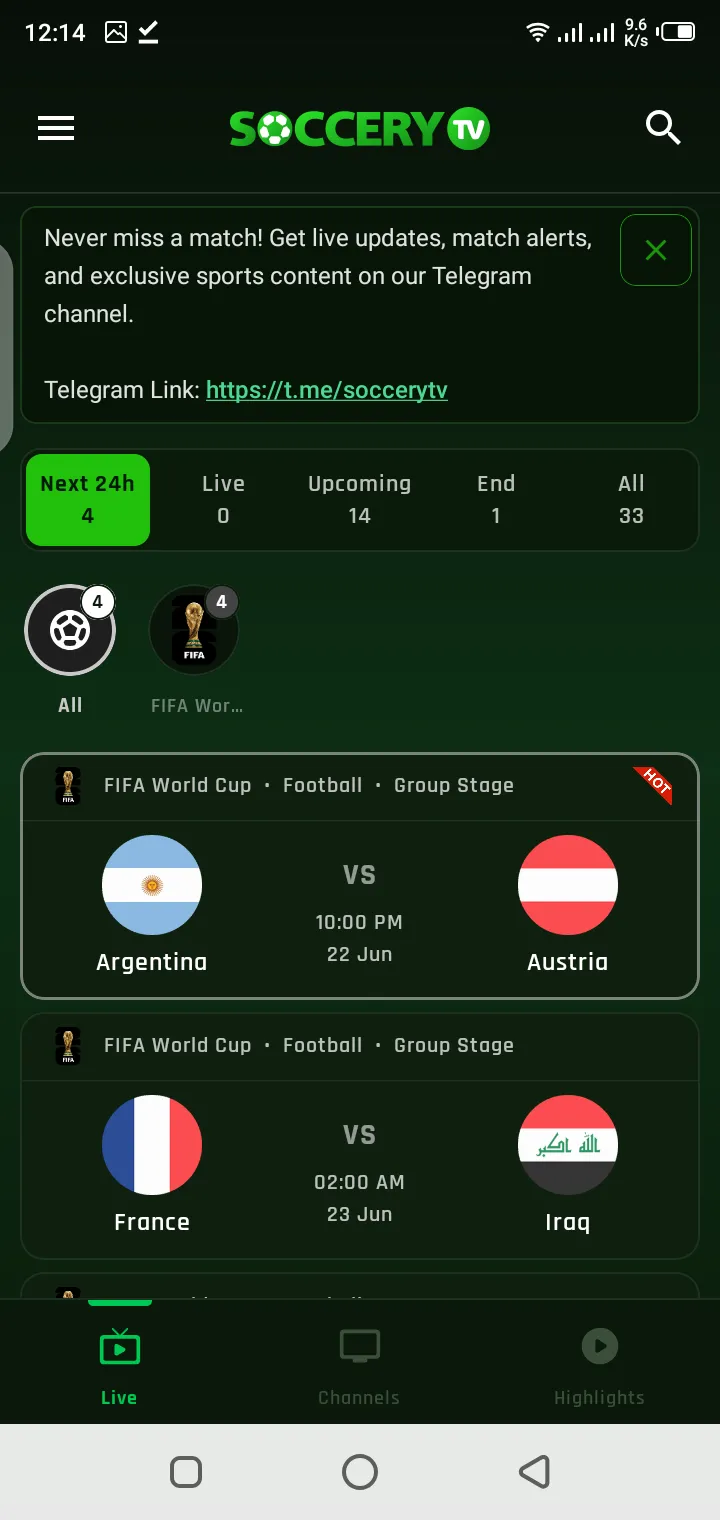
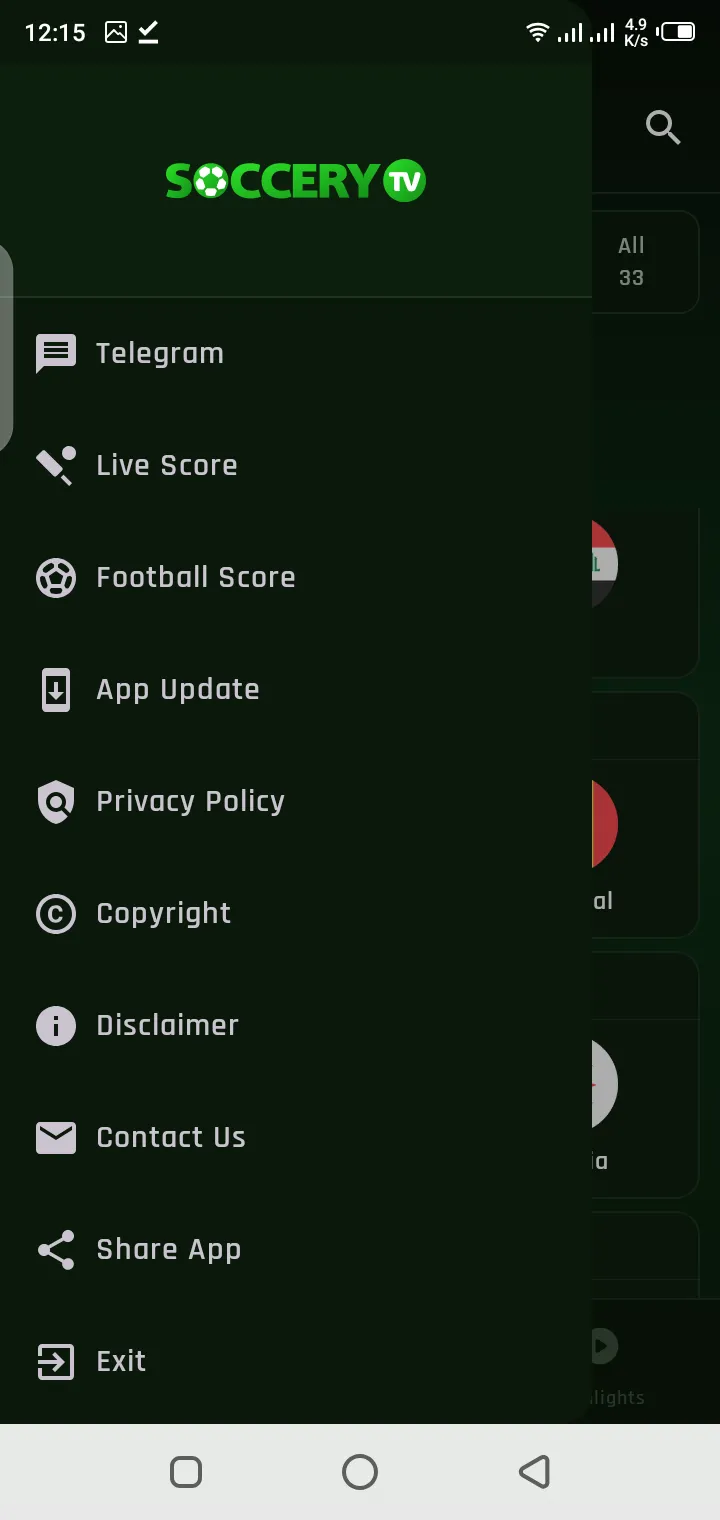
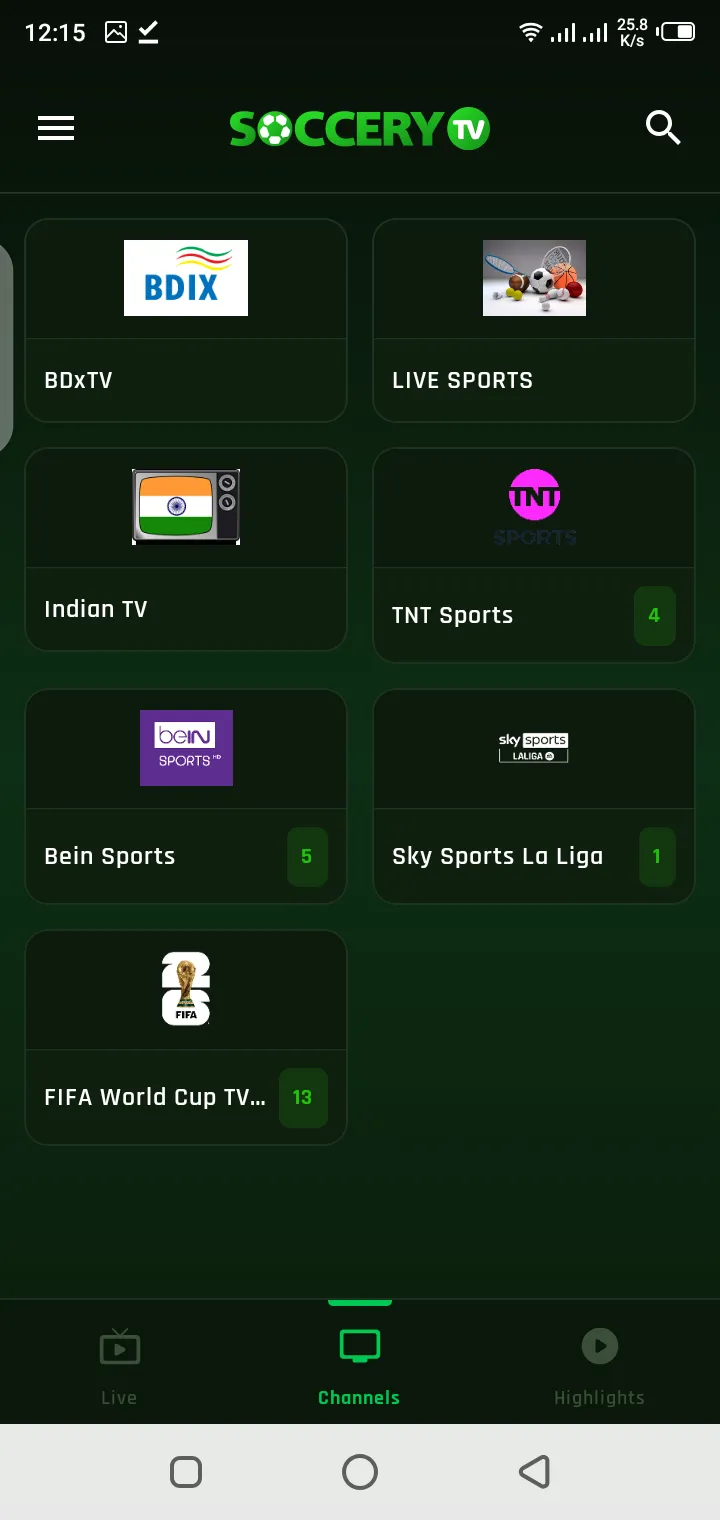
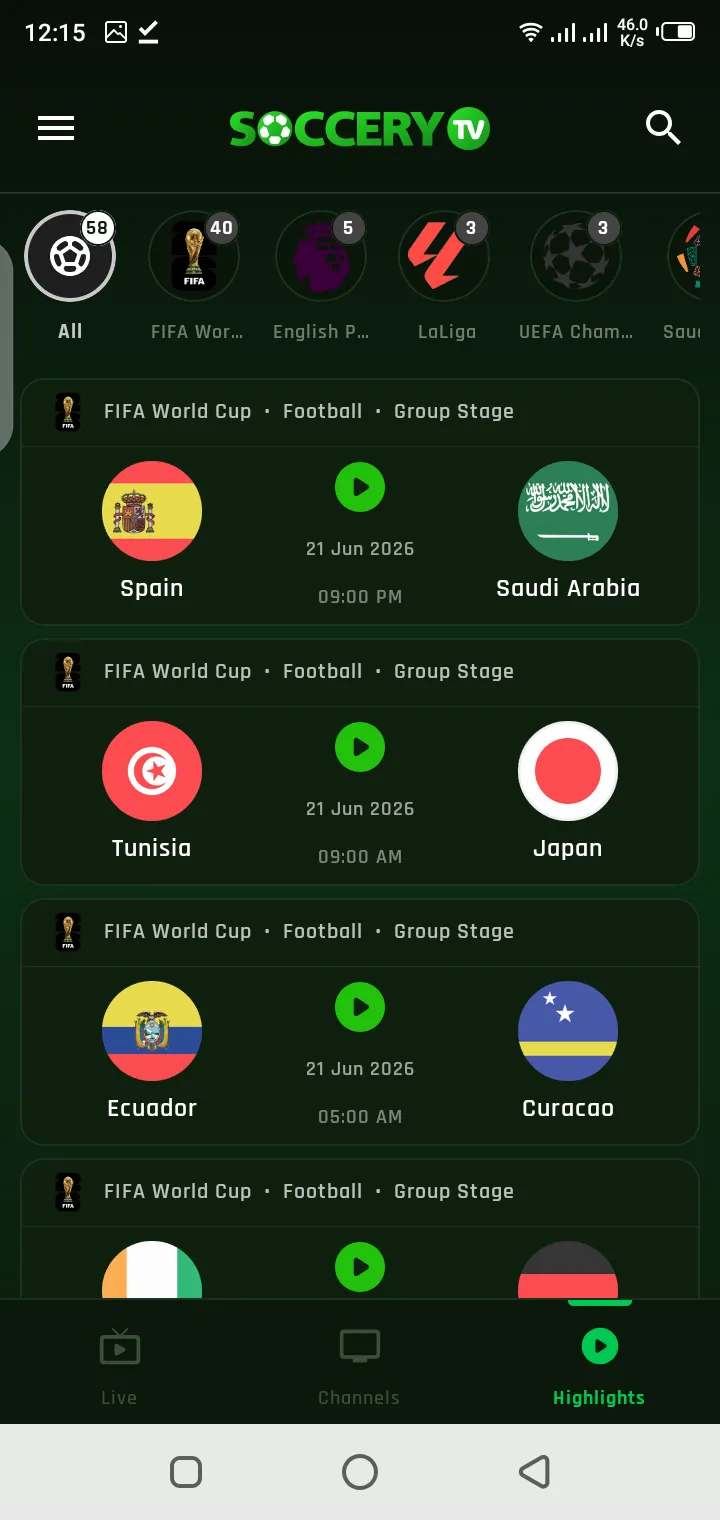
What Is Soccer TV HD?
Soccer TV HD is an Android football streaming application that brings live matches, schedules, highlights, and football coverage together for fans who watch on mobile and big screens alike.
Many football fans prefer applications that provide a dedicated football experience instead of general entertainment platforms. Soccer TV HD has attracted attention because it focuses primarily on football content and viewing accessibility.
Instead of being tied to a fixed viewing location, users can access football-related content through their Android devices from different locations.
This flexibility is one of the primary reasons football fans continue searching for mobile streaming solutions.
The application is commonly associated with:
- Football streaming access
- Match schedules
- Football highlights
- Competition coverage
- Mobile viewing convenience
- Android compatibility
Why Football Fans Use Soccer TV HD
Football fans use Soccer TV HD because it puts the sport first: fixtures, live coverage, and highlights organized around the matches they actually follow.
Others simply want quick access to football content without relying entirely on traditional television services.
Several factors contribute to the popularity of Soccer TV HD among football audiences.
Some users primarily follow:
- Domestic football leagues
- International tournaments
- Club football competitions
- National team events
- Football highlights
Convenience
Convenience remains one of the biggest reasons football fans choose mobile streaming applications.
This flexibility has become increasingly important for modern sports viewers.
Users can access football-related content while:
- Traveling
- Commuting
- Working
- Away from home
Accessibility
Football fans generally prefer applications that simplify content discovery.
Applications that reduce complexity often create greater user satisfaction.
Easy navigation helps users:
- Find football content faster
- Browse available sections efficiently
- Improve the overall viewing experience
Football-Focused Experience
Many streaming applications focus on multiple entertainment categories.
Soccer TV HD attracts users because of its football-oriented experience.
This specialization remains one of the biggest reasons football fans continue searching for the application.
How Soccer TV HD Works
Soccer TV HD works by streaming football content over your internet connection to the app on your device, which is why connection quality and correct setup shape the whole experience.
Because streaming quality depends heavily on connectivity, stable internet access generally improves performance.
The overall viewing experience depends on several factors including:
- Internet stability
- Device compatibility
- Application version
- Available resources
Users generally:
Install the application.
Launch Soccer TV HD.
Browse available content.
Select preferred football events.
Access available streams.
Soccer TV HD Features
The features that matter in Soccer TV HD are the ones fans use weekly: live football access, fixture and schedule information, highlights, and a viewing experience built for Android devices.
Understanding available features helps determine whether Soccer TV HD aligns with individual viewing preferences.
Football Streaming Access
Football streaming remains the application's primary attraction.
Many users install Soccer TV HD specifically because they want football-related viewing options through Android devices.
Mobile-Friendly Viewing
Modern users spend significant time on smartphones and tablets.
Mobile accessibility allows football fans to stay connected throughout the day regardless of location.
Simple Navigation
Applications with organized menus and easy navigation typically create a better user experience.
Simple navigation helps users:
- Locate content faster
- Browse categories efficiently
- Improve accessibility
Multi-Device Compatibility
Compatibility remains another important advantage.
Additional compatibility options may also be available through supported platforms.
Many users access Soccer TV HD through:
- Android smartphones
- Android tablets
- Android TV devices
Live Football Streaming Experience
Live football streaming on the app feels closest to television when your device, connection, and quality settings are matched properly, as this section explains.
Several factors influence streaming quality.
Football fans typically expect:
- Smooth playback
- Reliable access
- Quick loading
- Minimal interruptions
Internet Stability
Internet quality directly affects playback performance.
Reliable internet access generally provides a smoother experience.
Weak connectivity may contribute to:
- Buffering
- Delays
- Loading interruptions
Device Performance
Device resources also influence responsiveness.
Modern devices often provide:
- Better performance
- Faster loading
- Improved playback
Flexible Viewing
One of the biggest advantages of mobile streaming applications is viewing flexibility.
Users can stay connected with football content from different locations without being restricted to traditional television environments.
Match Coverage and Content Availability
Match coverage on the app spans league football, cup competitions, and international tournaments, with availability that follows the football calendar.
Different users have different interests.
Understanding available content helps users determine whether the platform aligns with their preferences.
Some prioritize:
- League football
- International competitions
- Tournament coverage
- Match schedules
- Football highlights
Device Compatibility
Soccer TV HD is built for Android, and its compatibility story covers phones, tablets, Android TV, and Firestick, with each device suiting a different kind of viewing.
Compatibility influences:
- Stability
- Streaming quality
- Performance
- User experience
Android Smartphones
Android phones remain the most common platform used by Soccer TV HD users.
Android Tablets
Many football fans prefer larger displays during extended viewing sessions.
Android TV Devices
Larger screens often improve visibility and overall comfort during football broadcasts.
How to Download and Install Soccer TV HD
Downloading and installing Soccer TV HD follows the standard Android APK process, and checking compatibility and storage first makes it trouble-free.
A few simple preparation steps can help prevent installation-related problems.
Verify Compatibility
Compatibility affects:
- Application stability
- Playback quality
- Device performance
Download the Latest Version
Updated versions often include:
- Performance improvements
- Compatibility enhancements
- Stability updates
Complete Installation
After downloading the APK, open the file, follow the on-screen installation prompts, launch the application, and verify that playback works as expected.
After downloading:
- Open the APK file
- Follow installation instructions
- Launch the application
- Verify functionality
Common Streaming Problems
The common streaming problems on the app, buffering, loading failures, and occasional audio faults, nearly all trace back to connection, cache, or settings, and all have known fixes.
Fortunately, many of these issues can often be resolved through troubleshooting.
Examples include:
- Buffering
- Loading delays
- Playback interruptions
- Installation errors
- Compatibility problems
Why Keeping Soccer TV HD Updated Matters
Keeping Soccer TV HD updated matters because updates carry fixes, compatibility improvements, and smoother playback for the current season's streams.
Users who keep the application updated generally experience fewer technical issues.
Benefits may include:
- Better stability
- Improved compatibility
- Enhanced performance
- User experience improvements
Is Soccer TV HD Safe?
Soccer TV HD is safe to use when it is downloaded from a trusted source, its permissions are reviewed, and modified copies from unknown sites are avoided.
Responsible installation practices help improve both reliability and security.
Before installing any application, users should:
- Verify download sources
- Review permissions
- Use updated versions
- Confirm compatibility
Frequently Asked Questions
Soccer TV HD is an Android-based football application designed to provide access to live football, fixtures, highlights, and football-related content through mobile and TV devices.
Yes. Watching live football is the central purpose of Soccer TV HD, alongside schedules, highlights, and match coverage.
Football streaming access, match schedules, highlights, and competition coverage are commonly associated with the platform.
Yes. Soccer TV HD can be installed on Firestick using the same APK process, as our Android TV and Firestick guide explains step by step.
Buffering is usually caused by an unstable or congested internet connection, a quality setting set too high for the network, or too many devices sharing bandwidth. Our buffering fix guide covers the remedies.
In many cases, buffering can be reduced by improving internet stability, closing background apps, or restarting the device.
- Internet instability
- Device limitations
- Network congestion
Start with the basics: check your connection, restart the app and the device, clear the app cache, and make sure you run the current version. Our not working guide walks through each step.
The Soccer TV HD APK is 7.44 MB, so it is a very light download that fits easily on almost any Android phone or TV device.
Yes. Soccer TV HD can be used on Android TV and Firestick devices as well as Android phones, so you can watch live football on a bigger screen at home.
Yes. Soccer TV HD can be run on a Windows PC through an Android emulator, which lets you watch matches, fixtures and highlights on a computer screen.
Yes. Alongside live streaming, Soccer TV HD covers match schedules, fixtures, highlights and replays, so you can plan what to watch and catch up on games you missed.
Final Thoughts
Soccer TV HD keeps attracting football fans because it combines accessibility, flexibility, and football-focused functionality in a single Android application. Understanding compatibility, installation, troubleshooting, and updates is what turns it into a smooth weekly habit.
The sections above answer the questions Soccer TV HD users ask most often before and after installation, and our guides library now covers fixtures, quality settings, data use, casting, and every major competition in the same detail.
Download Soccer TV HD APK