
Download Soccer TV HD APK
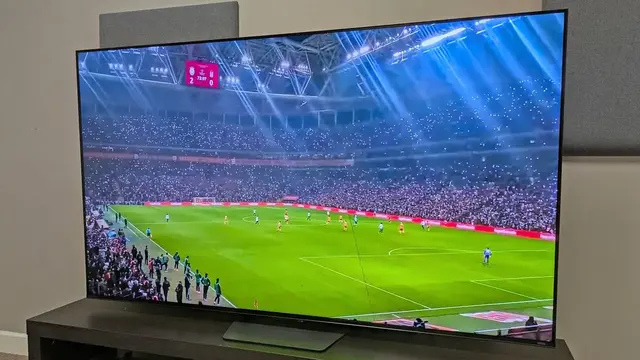
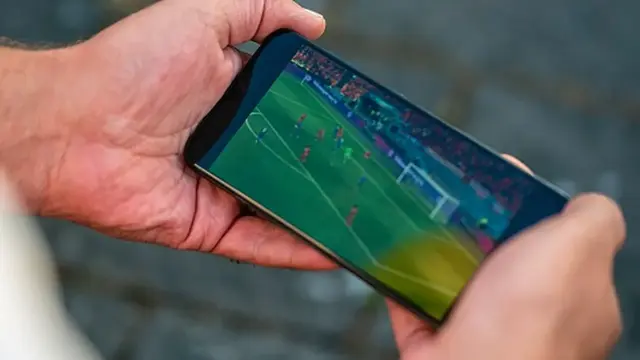
Download the current Soccer TV HD APK for Android and watch live football matches, follow schedules, and catch highlights on your phone, tablet, or TV.

Download Ready
Preparing your download…
%
App Name Soccer TV HD
Category Sports Streaming
Developer STH
Version v3.0.8
Size 7.44 MB
Content Type Live Sports
Package Name com.soccer.tv.hd
Genre Entertainment
Platform Android
Device Support 6.0 and Above
Additional Support PC Emulator, Firestick
How to Install Soccer TV HD
Download the Soccer TV HD APK file to your Android device using the button above.
If Android prompts you, enable installation from unknown sources in Settings.
Open the downloaded APK file and follow the on-screen installation prompts.
Launch Soccer TV HD and confirm the app opens correctly, then enjoy the football.
Frequently Asked Questions
Tap the download button on this page and wait for the short timer to finish, then save the Soccer TV HD APK file to your device. If Android prompts you, enable installation from unknown sources in Settings, open the downloaded file, and follow the on-screen installation prompts. Launch Soccer TV HD and confirm the app opens correctly.
The file listed on this page is Soccer TV HD APK version 3.0.8 with a size of 7.44 MB. The version and size shown in the app information on this page are the ones our reviewer confirmed during testing.
Yes, when you download it from this page. Every APK listed here is tested on real devices before the download button goes up, including a permissions review and a safety scan. Avoid modified copies from unknown sites, and check the permissions the app requests during installation.
Soccer TV HD runs on Android 6.0 and above, including Android smartphones and tablets. It can also be installed on Firestick using the same APK process, and it can be run on a PC through an Android emulator.
Return to this download page and download the current file, then install it over your existing copy. Your settings are normally kept during an update. We re-check new versions on our test devices before the updated file is listed here.
Open Settings on your device, go to Apps, select Soccer TV HD, and tap Uninstall. The app and its data are removed from the device, and you can reinstall it later from this page if you change your mind.