Resources
Soccer TV HD Data Usage Tips for Mobile Streaming
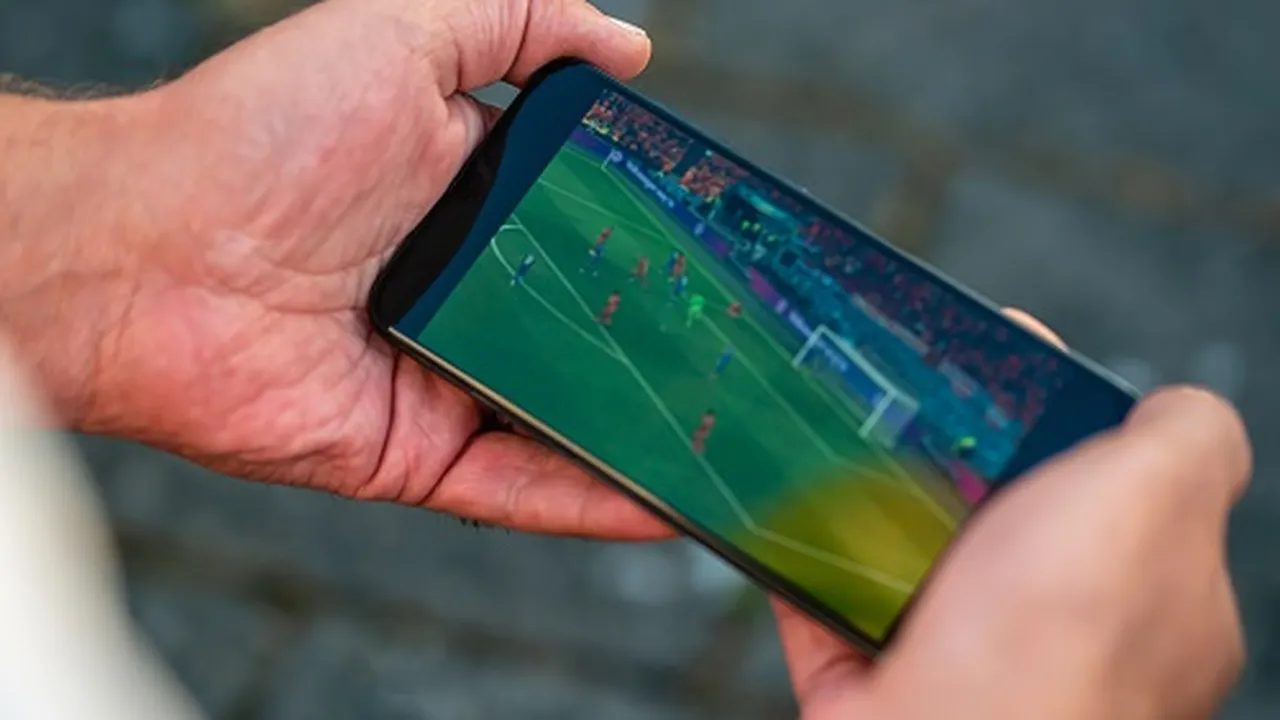
How much data Soccer TV HD uses per match and the practical tips that keep football streaming affordable on mobile data plans.
Table of Contents
Jump to any section in this guide
Table of Contents
Jump to any section in this guide
Football is long. A match with half-time, stoppage time, and a pre-match build-up can stream for two and a half hours, and mobile data feels every minute of it.
This guide explains where the data goes and the habits that keep a season of football inside a normal data plan.
Quality choice is the biggest lever, so read this alongside our streaming quality settings guide.
For a complete overview of the app, visit the Soccer TV HD official site.
Data Use Per Match
As a working estimate, a full match at low quality may use under a gigabyte, medium quality roughly one to two gigabytes, and top quality three gigabytes or more.
Extra time and penalties extend the bill, which is why tournament knockouts deserve a data plan of their own.
Rough per-match usage:
- Low quality: under 1 GB
- Medium quality: 1-2 GB
- High quality: 3 GB or more
- Extra time adds proportionally
The Wi-Fi First Habit
The fans who stream most football on the smallest plans share one habit: every predictable match happens on Wi-Fi, and mobile data is reserved for the unexpected.
Home, office, and trusted cafe connections carry the season; the SIM card carries the emergencies.
Wi-Fi first means:
- Home matches on home Wi-Fi
- Work breaks on work Wi-Fi
- Mobile data as backup
- Plan checks every week
Pre-Match Data Checklist
Before a mobile-data match, check your remaining balance, close other data-hungry apps, and pause cloud backups and app updates.
Five minutes of preparation prevents the classic disaster: the stream dying at a penalty because an update ate the plan.
Before kick-off:
- Check remaining data
- Pause updates and backups
- Close heavy apps
- Set the quality level deliberately
Quality and Data Trade-Offs
Each quality step roughly doubles or halves data use. On phones, the visible difference between medium and high during live play is small; the data difference is not.
Our quality settings guide shows how to find your personal sweet spot per device.
Trade-offs to remember:
- Medium halves high's usage
- Phone screens hide the difference
- TV screens expose it
- Test with a low-stakes match
Watching Away From Home
Travel multiplies data risk: roaming charges, hotel Wi-Fi limits, and unfamiliar networks. Download nothing illegal, plan connections ahead, and keep matches short on roaming.
A highlights package after the match often serves travelers better than a fragile live stream.
Travel rules:
- Avoid roaming streaming
- Test hotel Wi-Fi early
- Use mobile data sparingly
- Fall back to highlights when needed
Monthly Planning for Fans
Count your team's fixtures for the month, estimate the mobile-data share honestly, and compare it with your plan before the month starts.
Tournament months and title run-ins deserve a temporary plan upgrade rather than rationed football.
Plan the month by:
- Counting fixtures
- Estimating mobile share
- Upgrading for tournament months
- Reviewing actual usage after
Final Thoughts
Football data use is predictable once you know the per-match cost of each quality level, and predictable costs are easy to plan around.
Wi-Fi first, medium on mobile, and a monthly fixture count keep the season affordable.