Resources
Best Internet Speed for Soccer TV HD Streaming
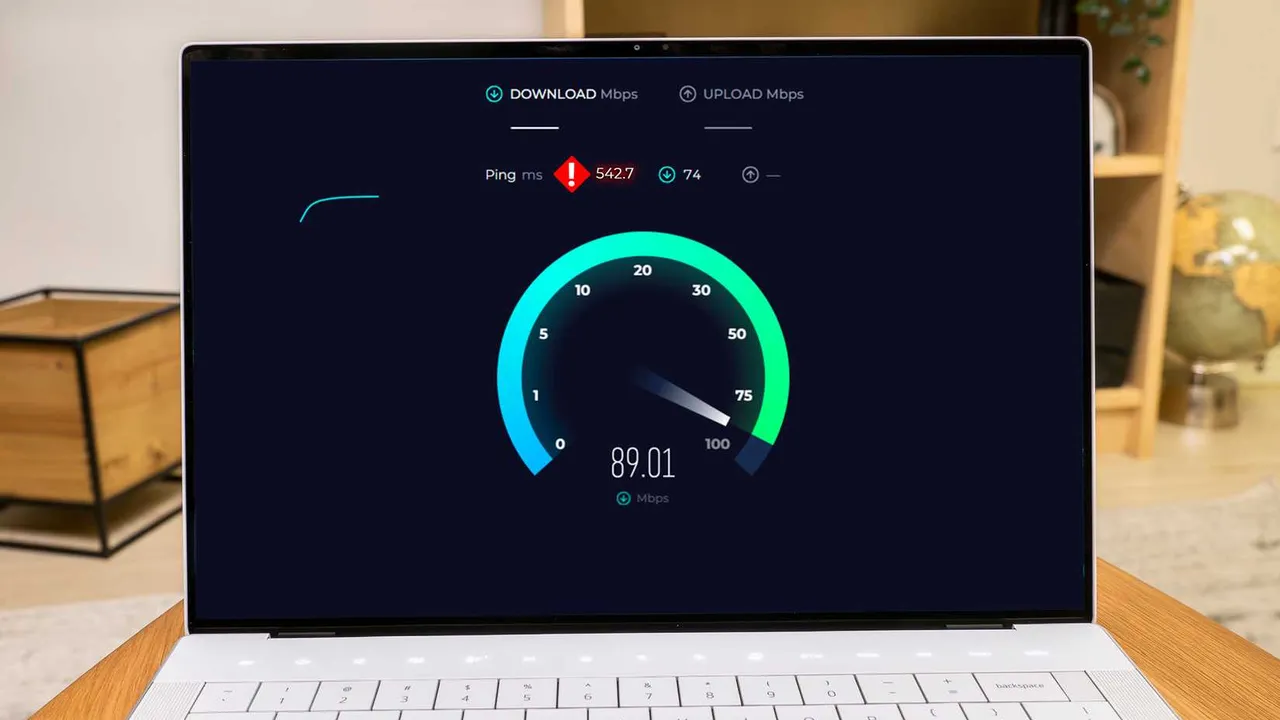
The internet speed Soccer TV HD needs for smooth HD football, how to test your connection at the TV, and upgrades that actually help.
Table of Contents
Jump to any section in this guide
Table of Contents
Jump to any section in this guide
Football is the most demanding thing most home networks stream: constant motion, fine detail, and zero tolerance for a freeze at the wrong second.
This guide gives honest speed targets for Soccer TV HD and shows how to test and fix the connection you actually have.
Quality choices interact with speed, so keep our quality settings guide open alongside.
The Soccer TV HD for Android page covers the download and setup from the very start.
Speed Targets for Football
Plan on roughly 5 Mbps of stable speed for standard quality, 10 to 15 Mbps for comfortable HD, and 25 Mbps or more when a big screen and other household traffic combine.
Stability is the real target: a flat 12 Mbps outperforms a line swinging between 4 and 60.
Working targets:
- Standard quality: about 5 Mbps stable
- HD: 10-15 Mbps stable
- Big screen plus household: 25 Mbps+
- Stability over headline speed
Peak-Hour Reality
Networks slow when neighborhoods stream, and football's biggest matches are exactly when everyone does. Test your speed at Saturday-evening conditions, not Tuesday-morning ones.
If peak-hour speed halves, size your quality settings for the halved number.
Peak-hour truths:
- Test at match times
- Expect derby and final congestion
- Settings should match worst case
- Wired connections resist peaks best
Testing at the Device
Run speed tests on the streaming device itself, where it sits. A fast result beside the router says nothing about the corner behind the television.
Repeat tests across a week to find your connection's honest average and its worst hour.
Test properly:
- On the streaming device
- In its real position
- At real match times
- Across several days
Wi-Fi Improvements
Router placement fixes more football streams than plan upgrades: central, raised, and clear of thick walls and metal.
On dual-band routers, 5 GHz is faster nearby; 2.4 GHz reaches further. A cable to the TV beats both.
Fix Wi-Fi first:
- Central, raised router position
- Right band per distance
- Cable the television if possible
- Replace ancient routers
Sharing Bandwidth on Matchday
Household traffic is a team sport: schedule big downloads outside match windows, and let other viewers step down a quality level during the headline game.
One honest family conversation in September saves a season of buffering arguments.
Matchday traffic rules:
- Downloads outside match windows
- Secondary streams step down
- Headline match gets priority
- Upgrade if conflicts are weekly
When to Upgrade
Upgrade the plan when a well-placed router, tested at the device at peak hour, still misses your quality target.
Upgrade one tier, retest in the same conditions, and stop when matchday is simply reliable.
Upgrade logic:
- Fix placement first
- Test worst-case honestly
- One tier at a time
- Stop at reliable, not maximal
Final Thoughts
For most homes, a stable 15 to 25 Mbps connection makes Soccer TV HD in HD feel effortless, provided Wi-Fi reaches the screen properly.
Measure at the device at match time, fix placement before paying for speed, and finals stop being network lotteries.