Resources
Soccer TV HD Match Alerts and Notification Tips
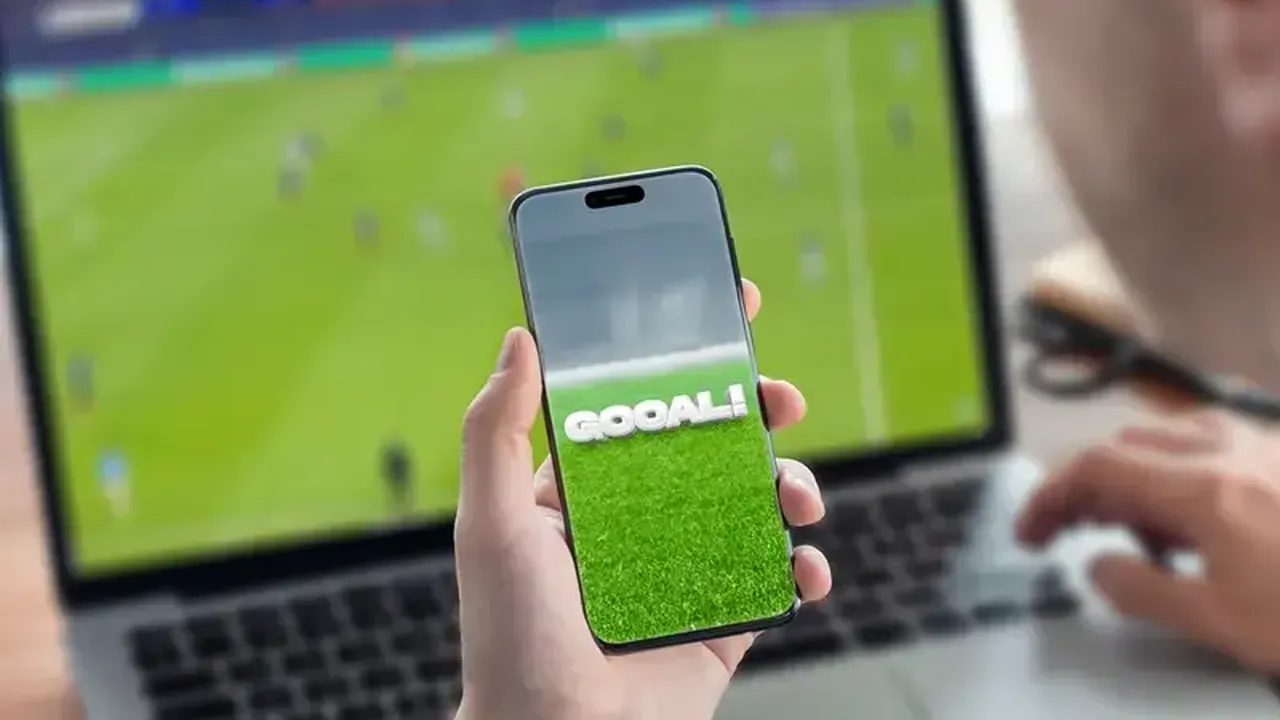
Set up match alerts and notifications around Soccer TV HD so you never miss kick-off, team news, or a goal, without drowning in noise.
Table of Contents
Jump to any section in this guide
Table of Contents
Jump to any section in this guide
Alerts are servants, not masters. Set up properly, they guarantee you never miss a kick-off; set up carelessly, they spoil results and buzz through every match in the league.
This guide builds a lean alert system around Soccer TV HD: kick-offs and team news in, everything else under your control.
It pairs with the planning system in our fixtures guide.
For a complete overview of the app, visit the Soccer TV HD official site.
Alerts Worth Having
Keep alerts for three events only: your team's kick-off approaching, team news landing, and full-time if you asked for it. Everything beyond that is noise competing with the match itself.
Competition-wide goal alerts are the fastest route to notification burnout.
Keep only:
- Kick-off reminders for your team
- Team news notifications
- Full-time results you requested
- Fixture changes affecting your plan
Kick-Off Reminders
Set kick-off reminders at two distances: an hour before, to prepare devices and connections, and fifteen minutes before, as the final call.
Calendar entries built from your weekly fixture check are more reliable than hoping an app remembers for you.
Two-stage reminders:
- One hour: prepare and test
- Fifteen minutes: final call
- Recurring for league fixtures
- Manual for cups and Europe
Team News Alerts
Lineups land about an hour before kick-off and change how a match should be read. An alert at that moment is genuinely useful.
Follow team news for your club only; twenty squads of lineup alerts help nobody.
Team news discipline:
- Your club only
- One hour before kick-off
- Check injuries and suspensions
- Adjust expectations, then watch
Spoiler-Safe Alert Settings
If you ever watch on delay, alert settings become spoiler settings. Hide scores from notification previews and mute football apps entirely on replay days.
Our highlights and replays guide sets out the full spoiler protocol.
Protect delayed viewing:
- Hide notification content
- Mute football apps on replay days
- Tell friends your plan
- Watch chronologically
Silencing During Matches
During the match itself, your own team's alerts are pointless: you are watching. Use do-not-disturb with exceptions for family, and let the game have your attention.
Keep a second-screen exception only for the live table during run-in season.
During play:
- Do-not-disturb on
- Family exceptions only
- Live table allowed in run-ins
- Everything else waits for half-time
Reviewing Alerts Monthly
Alert systems rot quietly: a followed competition here, a promoted app there. Review notification permissions monthly and cut everything that no longer serves the plan.
Five focused alerts beat fifty ignored ones.
Monthly review:
- List active football alerts
- Remove stale follows
- Reconfirm kick-off reminders
- Keep the system lean
Final Thoughts
A lean alert system, kick-offs, team news, and nothing you did not ask for, makes Soccer TV HD feel like a personal football assistant.
Set it once, prune it monthly, and your phone works for your football instead of against it.