Resources
Soccer TV HD No Sound? How to Fix Audio Problems
Fix missing sound on Soccer TV HD with checks for volume chains, Bluetooth output, TV audio modes, and channel-specific audio faults.
Table of Contents
Jump to any section in this guide
Table of Contents
Jump to any section in this guide
Football without commentary and crowd noise is only half a match. When Soccer TV HD plays picture without sound, the cause is almost always in the audio chain, not the stream.
Work through these checks in order; sound usually returns within minutes.
If the picture itself is the problem too, our not working guide covers combined faults.
The Soccer TV HD APK page brings together the download, the features and the latest version details in one place.
The Volume Chain
Device, app player, television, and soundbar volumes multiply together. Any single one at zero silences the match while the rest look innocent.
Raise each control one at a time and listen for the change.
Check every link:
- Phone or device media volume
- Player volume in the app
- Television volume
- Soundbar or speaker volume
The Bluetooth Hijack
A forgotten Bluetooth connection sends commentary to earbuds in a drawer or a speaker in another room. It is the most common cause of sudden silence on phones.
Disconnect Bluetooth entirely for one test stream.
Bluetooth checks:
- Disconnect all Bluetooth audio
- Test with device speakers
- Reconnect only the intended device
- Forget unused pairings
TV Audio Modes
On televisions, surround and enhanced audio modes can mute stereo broadcasts. PCM or standard stereo output is the safest setting for football streams.
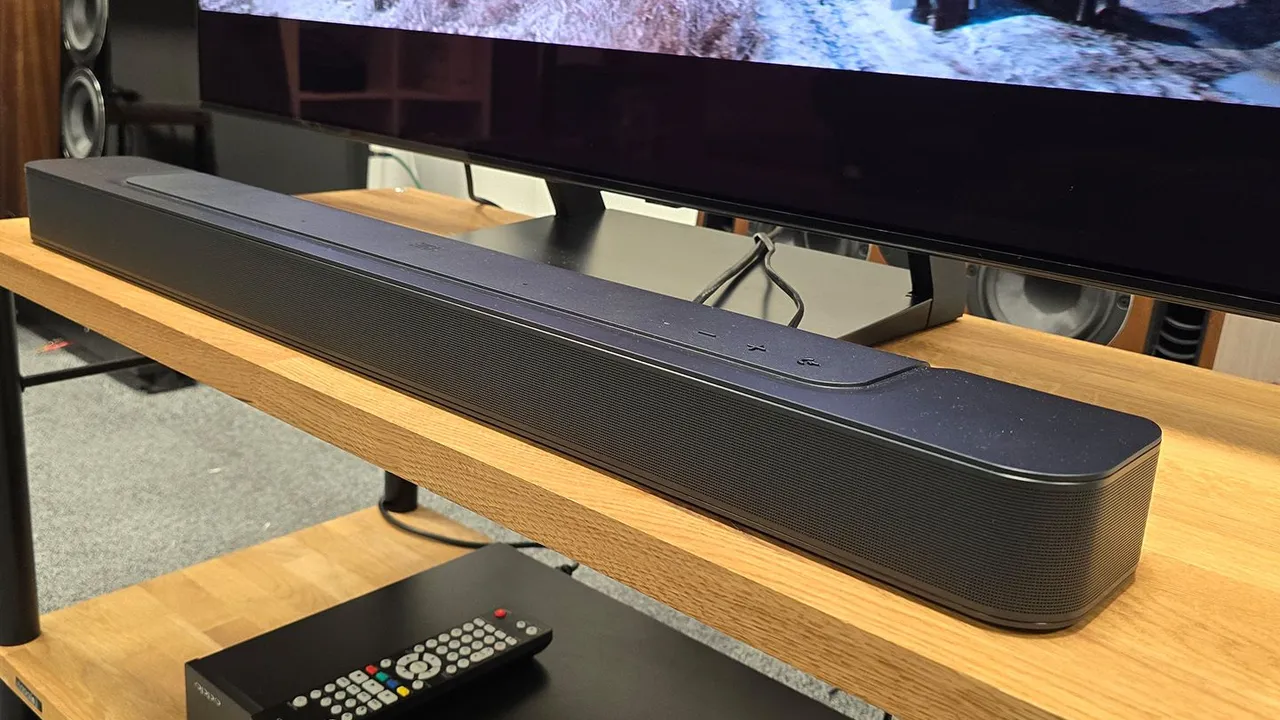
HDMI-ARC routing to a soundbar adds another link; test the TV's own speakers to isolate it.
TV audio fixes:
- Set output to PCM stereo
- Test TV speakers directly
- Check ARC and cable routing
- Disable exotic sound modes
One Channel Silent
If only one channel or match lacks sound while others play normally, the fault sits in that broadcast. Note it, switch, and retry later.
Commentary in an unexpected language is the related case: check for alternative audio tracks in the player.
Single-channel cases:
- Broadcast-side fault: retry later
- Check alternate audio tracks
- Other channels confirm your setup
- Do not reinstall for one channel
Restart and Reinstall Order
Restart the app, then the device, then, only if faults persist across channels, reinstall cleanly following our update guide.
This order fixes nearly everything without losing your setup to an unnecessary reinstall.
Escalation order:
- Restart the app
- Restart the device
- Check system updates
- Clean reinstall last
Preventing Matchday Silence
Open the stream ten minutes before kick-off and confirm sound with the pre-match build-up. That habit turns audio faults into pre-match fixes instead of missed goals.
Keep a cheap wired earphone nearby as an instant diagnostic tool.
Matchday habits:
- Sound check ten minutes early
- Wired earphones as a tester
- Know your TV audio menu
- One change at a time
Final Thoughts
Silent football is a chain problem: one muted volume, one stray Bluetooth route, or one TV mode explains almost every case.
Check the chain in order and commentary returns long before reinstalling enters the conversation.