Resources
Using Soccer TV HD on Multiple Devices
Use Soccer TV HD across phone, tablet, TV, and PC with a sensible device strategy for home viewing, travel, and sharing matchday with family.
Table of Contents
Jump to any section in this guide
Table of Contents
Jump to any section in this guide
Most fans own several screens, and football fits each of them differently. The phone follows you, the tablet travels, and the television owns the big matches.
This guide sets out a simple multi-device strategy for Soccer TV HD so every match lands on the right screen.
For the big-screen end of the strategy, our Android TV and Firestick guide covers dedicated setup.
You can get the file and the full feature list from the Soccer TV HD APK Download page.
Assign Each Device a Role
Give every screen a job: phone for checks and away days, tablet for personal viewing, TV for shared and headline matches, PC for desk viewing.
Roles prevent the matchday scramble of deciding where to watch while the teams walk out.
A role for each screen:
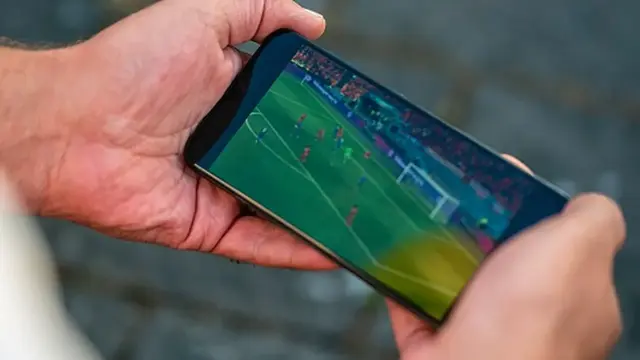
- Phone: mobile and quick checks
- Tablet: personal full matches
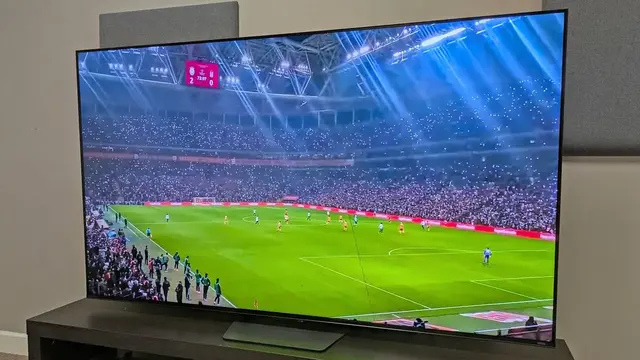
- TV: shared headline games
- PC: desk and second screen
Keeping Settings Consistent
Set quality per device once, using the per-device testing method in our quality guide, and write the results where you can find them.
Consistent habits mean any family member can start a match on any screen without a settings expedition.
Consistency habits:
- Per-device quality settings saved
- Same fixture routine everywhere
- Shared watchlist for the household
- Chargers kept with each device
Sharing the Television Fairly
The TV is shared territory. A weekly fixture plan, agreed before the weekend, settles most negotiations before they start.
Second screens soften conflicts: one viewer's match on TV, another's on a tablet with headphones.
Fair sharing rules:
- Weekend plan agreed early
- Headline match gets the TV
- Tablet plus headphones as peace treaty
- Non-football viewing gets its slots too
Travel Device Strategy
Travel light: phone plus tablet covers trains, hotels, and relatives' houses, with casting as the upgrade when a friendly TV appears.
Our casting guide explains the big-screen travel trick in full.
Travel kit logic:
- Phone always with you
- Tablet as the main screen
- Cast when a TV is available
- Data rules from the data guide apply
Second-Screen Viewing
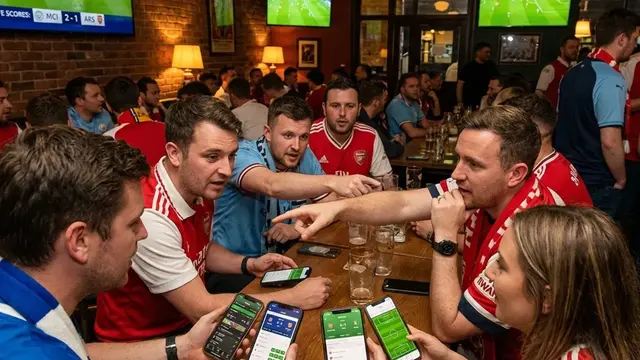
A second screen during matches, for team news, live tables, and stats, deepens big games when used deliberately and ruins them when it becomes the main event.
Keep the second screen on a stand, brightness low, and notifications limited to your own team.
Second-screen discipline:
- Team news and live table only
- Low brightness
- Own-team alerts only
- Away during play where possible
When Devices Conflict
Multiple streams on one home network compete for the same bandwidth. Headline matches get priority and the wired connection; casual viewing takes what remains.
If conflicts repeat weekly, the honest fix is network capacity, covered in our internet speed guide.
Resolve conflicts by:
- Priority to the headline match
- Wired connection for the TV
- Quality steps down elsewhere
- Upgrade capacity if weekly
Final Thoughts
Multi-device viewing works when each screen has a role, settings are settled once, and the headline match always wins the best setup.
Build that small system and Soccer TV HD follows your football life everywhere it happens.