Resources
Can You Use Soccer TV HD on iPhone and iOS?
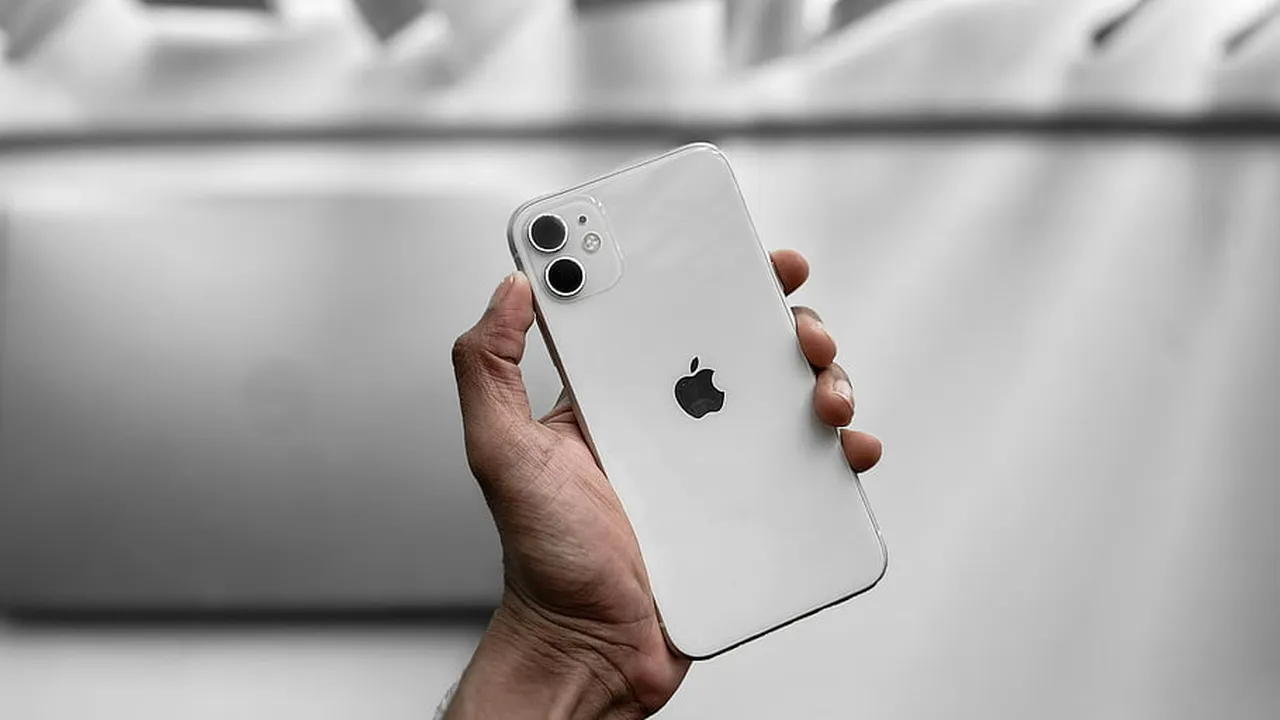
An honest guide to Soccer TV HD on iPhone and iOS: why the Android APK does not install on Apple devices, and the practical alternatives for iOS users.
Table of Contents
Jump to any section in this guide
Table of Contents
Jump to any section in this guide
It is one of the most common questions we receive: the APK works on Android, so can it be installed on an iPhone? The short answer is no, and understanding why saves iOS users hours of dead ends.
This guide explains the limitation plainly and sets out the realistic options for following football on Apple devices.
Android users can return to the Soccer TV HD homepage for the download path.
Why APK Files Do Not Run on iOS
APK is Android's installation format. iOS uses its own format and only accepts apps through Apple's App Store, so an Android package cannot install on an iPhone or iPad by any setting change.
Websites claiming a special iOS version of an Android APK should be treated with suspicion.
The plain facts:
- APK is Android-only format
- iOS installs via the App Store
- No setting bridges the gap
- Beware fake iOS APK claims
Risks of Fake iOS Downloads
Pages promising Soccer TV HD for iOS usually deliver advertisements, surveys, or worse. None of them can deliver a working Android app on Apple hardware.
Protect the device: if a download asks for profiles, payments, or credentials to unlock an impossible app, close the page.
Stay safe:
- Impossible offers are scams
- Never install unknown profiles
- No payment unlocks an APK on iOS
- Close pages that push credentials
Practical Options for iOS Users
iPhone owners can still follow the same football through official broadcaster apps and services available in the App Store for their region.
Households often pair an inexpensive Android device or Firestick for APK-based viewing with the iPhone for everything else, as our multiple devices guide describes.
Realistic routes:
- Official broadcaster apps in the App Store
- A low-cost Android device for APK apps
- Firestick for the television
- Web coverage for news and scores
Using an Android Device Alongside
A budget Android phone or tablet dedicated to streaming is the common household solution: it runs the APK library, casts to televisions, and leaves the iPhone untouched.
Second-hand devices meeting the requirements in our system requirements guide handle this role well.
The companion-device pattern:
- Dedicated budget Android device
- Runs APK streaming apps
- Casts to the family TV
- iPhone stays your main phone
What About iPad?
The same rule applies: iPads run iOS and cannot install APK files. The App Store route and companion Android hardware are the honest options for tablet viewing too.
Casting from an Android device to a TV remains the big-screen answer in mixed households.
iPad reality:
- Same iOS limitation
- App Store broadcaster apps
- Companion Android plus casting
- No emulator route on iOS
Our Recommendation
Do not chase an iOS version that cannot exist. Choose between official App Store coverage for your region and a small Android companion device for APK viewing.
Either path is safe and quick; the fake-download path is neither.
Decide simply:
- Regional official apps, or
- A budget Android companion device
- Never fake iOS APK sites
- Ask us via the FAQ for edge cases
Final Thoughts
Soccer TV HD as an APK belongs to Android, and no download can change that. iOS users are best served by official regional apps or a modest Android companion device.
Knowing the boundary clearly is what keeps iPhone users safe from the scam pages built around this exact question. For the full breakdown, see Soccer TV HD System Requirements.